
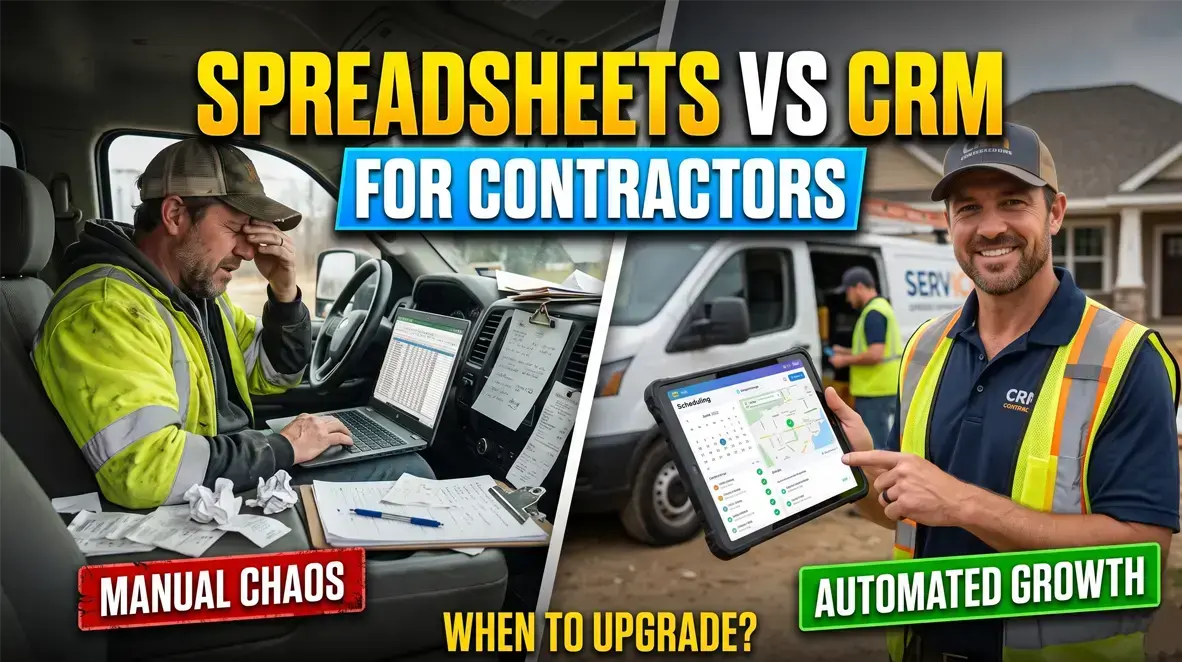
Running a growing trade business on manual files works until double-booked technicians, lost change orders, and delayed invoicing eat into your profits. Comparing a spreadsheet vs crm for contractors is the difference between surviving week-to-week and building a scalable field operation.
Spreadsheets are cheap, but they lack automation, field connectivity, and automated billing. A dedicated contractor CRM automates your dispatching, tracks client histories, and collects payments on-site before your crew packs up their tools.
If your dispatch board feels chaotic and quotes are slipping through the cracks, here is everything you need to know to make the right operational move.
Spreadsheet vs CRM for Contractors: The Operational Breakdown
Every contractor starts with Excel or Google Sheets. It costs nothing up front, handles simple math, and lets you log customer phone numbers without learning a new platform.
However, static grids do not communicate with technicians in the field, process customer payments, or alert you when a lead goes cold.
| Operational Feature | Spreadsheets (Excel / Google Sheets) | Dedicated Contractor CRM |
|---|---|---|
| Real-Time Field Dispatching | Manual texting, phone tag, static notes | Live GPS routing and instant mobile dispatch |
| Quote-to-Invoice Conversion | Re-typing line items across multiple files | 1-click conversion with integrated client approvals |
| Customer Interaction History | Fragmented across texts, emails, and paper | Centralized timeline of past jobs, photos, and notes |
| Payment Collection | Paper checks, manual bank runs, unlinked cards | On-site card processing, automated SMS payment links |
| Automated Job Follow-Ups | Requires manual calendar reminders | Triggered SMS/email notifications on schedule |
The Limits of Managing Field Data in Spreadsheets
Spreadsheets are static databases that require manual input for every single operational update. When an emergency plumbing call comes in, you must manually check technician schedules, re-enter customer details, and text the address to your driver.
This manual data entry creates immediate operational friction. If two office team members edit the same schedule file simultaneously, duplicate bookings occur, client details get overwritten, and billable hours vanish.
The Real-Time Advantage of a Contractor CRM
A contractor CRM acts as a central operational command center for your entire business. When an estimate is approved by a client online, the software automatically creates the work order, assigns the nearest available technician, and reserves the required inventory.
Technicians update their job status directly from their smartphones, triggering live status notifications for your customers. Your back office sees job progress in real time without making a single phone call.
The Hidden “Spreadsheet Tax”: What Free Files Really Cost
Free spreadsheets carry massive hidden overhead. While software subscriptions require a monthly line item, running your business on manual entry burns valuable billable hours every single week.
1. The Cost of Double Data Entry
Writing a quote on paper, copying it into a spreadsheet, and re-typing it into an invoicing template wastes roughly 5 to 7 hours of administrative time each week. At an average administrative rate of $35 per hour, you are burning over $800 every month just moving text between screens.
2. Leaked Revenue and Forgotten Change Orders
When technicians perform extra work in the field without updating the central spreadsheet, that revenue is lost forever. Contractor CRMs require photos, technician notes, and customer e-signatures on-site before a job status can be marked as complete.
3. Sluggish Cash Flow and Delayed Invoicing
Invoices generated via spreadsheets are often delayed until the weekend when the owner finally sits down at the desktop computer. A field CRM generates an invoice the second a technician hits “Complete,” allowing customers to pay immediately from their phone via credit card or bank transfer.
Spreadsheet vs CRM for Contractors: When Is It Time to Switch?
Upgrading your digital infrastructure is an operational investment that should align directly with your current trade, team size, and growth trajectory.
       [ OPERATIONAL TIPPING POINT ]

 Solo Operator                  3+ Field Techs
 Simple Estimates              Multi-Van Routing
 Cash/Check Flow               High Job Velocity
       │                               │
       ▼                               ▼
 [ Spreadsheets /               [ Dedicated CRM /
    Basic Invoicing ]              Full Automation ]
You Should Stay with Spreadsheets If:
- You are a solo operator running fewer than 5 simple service calls per week.
- Your workflow requires customized mathematical formulas that standard software templates cannot support.
- You are in your first 60 days of business and validating your local service demand.
You Must Upgrade to a CRM If:
- You manage two or more service vehicles or subcontracted crews in the field.
- You regularly miss inbound phone calls or fail to follow up on open estimates within 24 hours.
- Your office staff spends more time answering “Where is the tech?” than booking new revenue.
- Technicians arrive at job sites without knowing the customer's previous service history or equipment notes.
Ready to ditch Excel? See my top picks for the ➜ best field service management software to compare real-time dispatching, crew tracking, and pricing.
The 4 Best Contractor CRMs to Replace Your Spreadsheets
If your business has outgrown manual tracking, choosing the right platform depends entirely on your trade, dispatch complexity, and operational scale.
1. Jobber: Best Overall for Scheduling and Client Communication
Jobber is the premier operational platform for residential home service businesses managing 2 to 15 field technicians. Its scheduling dashboard lets dispatchers drag and drop jobs onto visual calendar routes in seconds.
- Standout Features: The self-service Client Hub allows homeowners to approve quotes, view appointment windows, and pay invoices 24/7 without calling your office.
- Where It Excels: Routine maintenance scheduling, recurring service contracts, automated customer text updates, and seamless two-way QuickBooks syncing.
- The Bottom Line: The most balanced, user-friendly field service platform for landscapers, cleaners, painters, and general maintenance contractors.
2. Housecall Pro: Best for Residential Field Teams and In-App Payments
Housecall Pro is built specifically for residential service companies that want clean field dispatching paired with powerful customer marketing automation.
- Standout Features: Integrated consumer financing directly on quotes, flat-rate visual price books for technicians, and automated post-job review request campaigns.
- Where It Excels: Electrical, plumbing, and HVAC shops that want their technicians upselling high-margin options right from an iPad in the driveway.
- The Bottom Line: Ideal for trade business owners looking to increase their average ticket size while eliminating manual invoice preparation.
3. ServiceTitan: Best Enterprise Solution for High-Volume HVAC & Plumbing
ServiceTitan is the undisputed heavyweight platform designed for commercial contractors and high-growth residential companies with large field fleets.
- Standout Features: Enterprise-grade job costing, multi-tier inventory replenishment, call booking screen scripts, and granular technician sales conversion scorecards.
- Where It Excels: Multi-truck mechanical operations that require complex dispatch boards, phone system integrations, and deep financial reporting.
- The Bottom Line: A significant financial investment that replaces not just spreadsheets, but your phone system, accounting bridge, and project management tools.
4. QuoteIQ: Best for Solo Operators and Exterior Cleaning Trades
QuoteIQ was developed by contractors for small crews who need fast, accurate estimating without enterprise complexity.
- Standout Features: Built-in satellite map measuring tools that allow contractors to measure square footage for driveways, roofs, and lawns right from a mobile device.
- Where It Excels: Pressure washing, lawn care, window cleaning, and mobile detailing businesses that need rapid on-site quotes.
- The Bottom Line: The fastest, most budget-friendly graduation step for a solo operator ready to move away from Google Sheets.
How to Migrate from Spreadsheets to a CRM Without Losing Work
Transitioning to automated software does not require shutting down your business or disrupting current jobs. Follow this three-step blueprint for a seamless rollout:
Step 1: Clean and Consolidate Your Customer Data
Open your current spreadsheet and standardize all phone numbers, email addresses, and physical service locations. Delete duplicate customer entries, verify billing names, and export your master sheet as a clean .CSV file.
Step 2: Import Your Core Client Database
Upload your .CSV file directly into your new platform's customer management module. Set up your standard product and service price book, including base labor rates, standard material margins, and standard tax brackets.
Step 3: Run Parallel for Five Working Days
Keep your old spreadsheet open for one work week while running all new inbound leads, active schedules, and invoices through your CRM. Once your field technicians confirm they can access work orders and collect card payments on their mobile apps, archive the spreadsheet.
The Verdict: Make the Move Before Disorganization Costs You Jobs
Continuing to manage your contracting business with spreadsheets might feel safe because the software is free, but the administrative drag, missed follow-ups, and delayed payments represent a continuous drain on your bottom line.
A dedicated contractor CRM stops scheduling headaches, collects payments faster, and gives your business the operational structure needed to scale.
Take control of your field operations today:
- For scalable scheduling and client communication: ➜ Start a free trial with Jobber
- For mobile quoting and driveway upselling: ➜ Explore Housecall Pro
- For high-speed satellite estimating: ➜ Check out QuoteIQ
- For Best Enterprise Solution: ➜ Check out ServiceTitan