
If you are spending your Friday nights doing spreadsheet math to figure out your crew's hours, you are bottlenecking your own growth. Reading illegible paper timesheets and manually calculating overtime is a massive waste of administrative time. While you can organize the chaos temporarily by downloading my free contractor time tracking template, you ultimately need to automate contractor payroll to eliminate these expensive errors.
What Does It Mean to Automate Contractor Payroll?
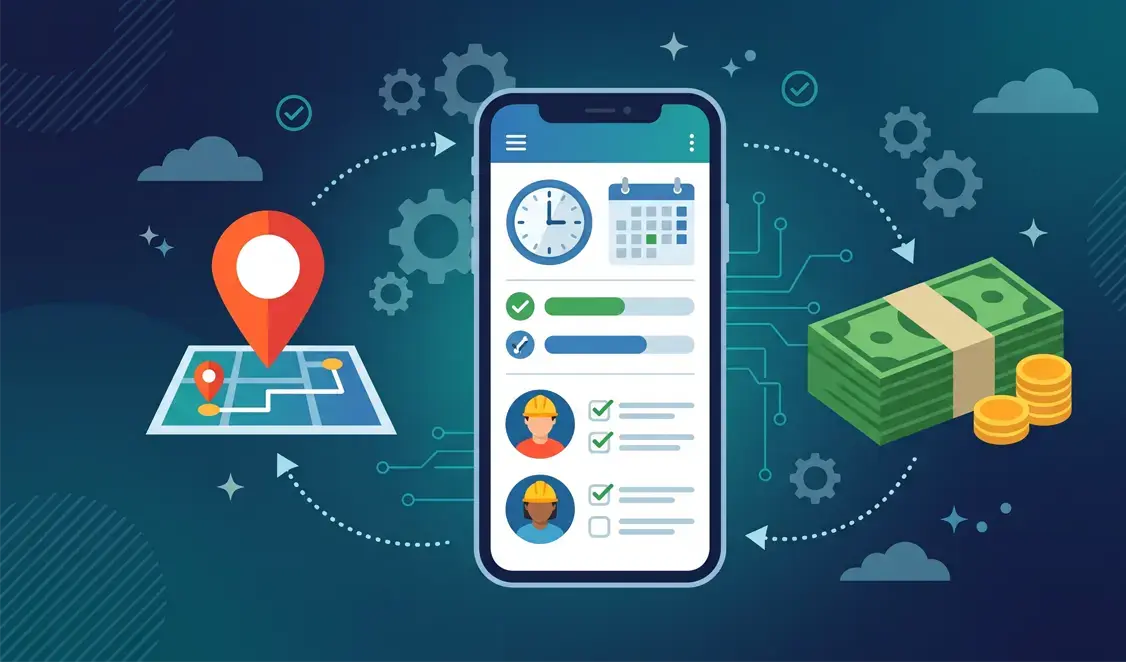
Contractor payroll automation uses field service management software to digitally track technician hours. It instantly pushes that data to your accounting software, like QuickBooks or Xero. Instead of relying on office managers to transcribe hours from dirty paper logs, the software calculates gross pay without any manual double-entry.
The Hidden Costs of Manual Timesheets in Field Service
Time-Rounding and “Buddy Punching”
When technicians fill out paper timesheets at the end of the week, they rely on memory and usually round up. An extra 15 minutes added to a timesheet every day might seem harmless at first glance. However, across a crew of five technicians, that time-rounding costs your business thousands of dollars in unearned wages every year.
Manual Data Entry Errors
Moving hours from a dashboard visor to a spreadsheet is where profit margins die. A single typo during manual data entry can result in overpaying a technician or underbilling a client. Furthermore, paying an office manager to manually process payroll every week is a completely unnecessary administrative expense.
How to Automate Contractor Payroll (Step-by-Step)
Step 1: GPS-Stamped Mobile Clock-Ins
The foundation of automated field service payroll is mobile enablement. Field technicians use a mobile app on their smartphones to clock in when they arrive at the job site. The software attaches a GPS stamp to the time entry, providing absolute verification that the crew is actually at the customer's property.
Step 2: Automated Break and Overtime Calculations
Labor laws are strict, and calculating overtime manually is a massive headache for growing teams. Automated payroll systems allow you to set customized rules to handle this instantly. The software will automatically deduct a 30-minute unpaid lunch break and instantly flag any overtime hours, keeping your business legally compliant.
Step 3: One-Click Sync to Accounting (QuickBooks)
This is the magic moment where your digital timesheets pay off. Once the week is over and the hours are approved, you simply click a button to sync the timesheet data directly into your accounting software. The data maps perfectly to your QuickBooks payroll module, allowing you to run direct deposits in seconds.
Benefits of Automating Payroll for Home Service Crews
Accurate Job Costing & Profit Margins
You cannot know if a job was actually profitable unless your labor costs are tracked to the exact minute. Automated payroll ties a technician's specific hourly wage to the specific job they were clocked into. This gives you crystal-clear data on your true profit margins for every single dispatch.
Faster Paydays and Happier Technicians
Nobody likes waiting for a paycheck because the office manager couldn't read someone's handwriting. Automated systems ensure that paychecks are processed flawlessly and on time every single week. This builds immense trust and morale with your most reliable blue-collar workers.
Best Software to Automate Contractor Payroll in 2026
For a complete breakdown of features, routing, and dispatching capabilities, read my full guide on the best field service management software.
Jobber (Best for Growing Home Service Crews)
Jobber is the absolute industry standard for companies doing under $5M in annual revenue. Its mobile app is incredibly easy for technicians to adopt, and it features a flawless, native two-way sync with QuickBooks Online. When your crew clocks out in the Jobber app, those hours feed directly into your payroll workflow seamlessly.👉(Click here to start your 14-day free trial of Jobber)
ServiceTitan (Best for Large Multi-Truck Fleets)
If you operate a massive fleet and need highly advanced, multi-branch reporting, ServiceTitan is your enterprise-grade solution. It handles complex tiered commission structures, performance pay, and massive payroll runs with ease. 👉(Click here to book a custom demo of ServiceTitan)
3 Steps to Transition Your Crew to Automated Payroll
Sit your crew down and explain that the new software ensures their paychecks are 100% accurate and processed faster. Establish the golden rule from day one: “If your time isn't logged in the app, it doesn't exist.” Finally, run your old spreadsheet system alongside the new automated software for the first week to ensure all your QuickBooks mapping is correct.
Frequently Asked Questions
Can you automate payroll for independent (1099) contractors?
Yes, modern field service software allows you to categorize users by their specific employment type. You can track a 1099 subcontractor's hours or piece-rate work directly in the app. The system will automatically generate their payment reports just as easily as your W-2 employees.
Does automated payroll track drive time versus wrench time?
High-end platforms allow technicians to toggle their status between “Traveling” and “Working” throughout the day. This allows business owners to see exactly how much time is being wasted in traffic. You can then compare that to how much time is actively generating revenue on the job site.
Does Jobber integrate with QuickBooks for payroll?
Yes, Jobber has a seamless two-way sync specifically built for QuickBooks Online. Approved timesheets from the Jobber app are pushed directly into QuickBooks Time. This makes your weekly payroll runs and job costing completely automated.