
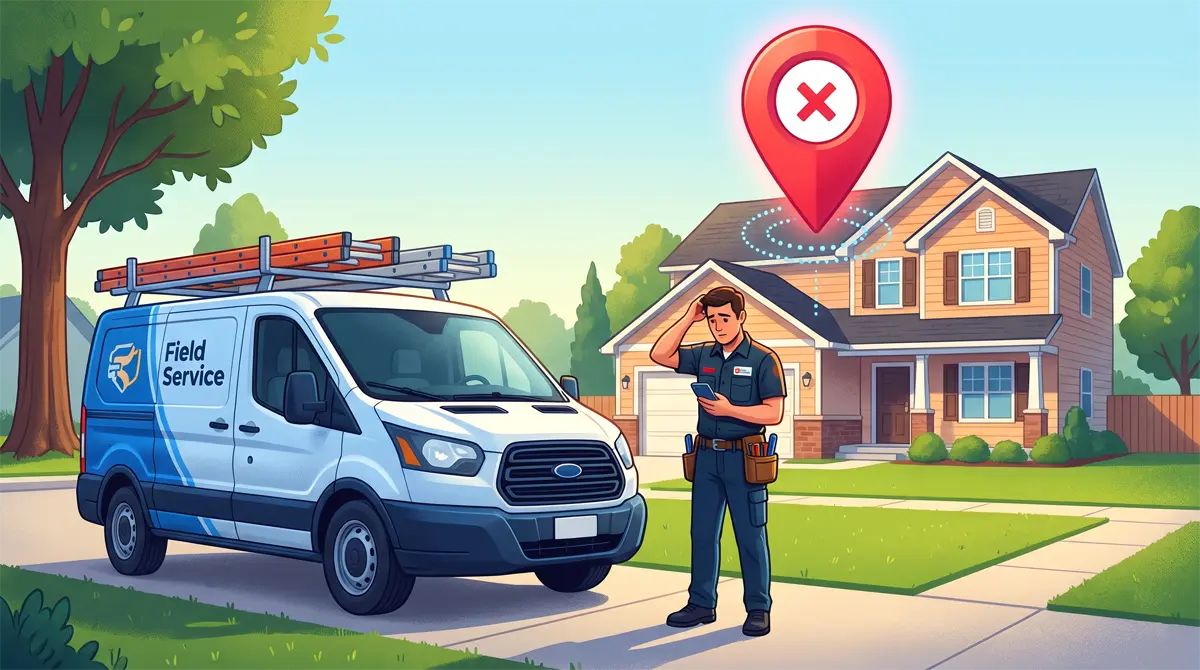
Your stomach drops. The customer is on the phone asking where your crew is, but your dispatcher insists they are already on site. Then you realize the dreaded truth: your field service tech arrived at wrong address.
Nothing burns through your company's reputation faster than dispatching a branded truck to a random driveway while a paying customer is left waiting. It leads to angry phone calls, lost revenue, and brutal online reviews.
If a field service tech arrived at wrong address today, you need to salvage the job immediately. More importantly, you need to eliminate the manual data entry that caused the scheduling disaster in the first place. Here is how to handle the emergency right now, and the exact system you need to prevent it from ever happening again.
What To Do When A Field Service Tech Arrived At Wrong Address
When a routing error happens, the next 15 minutes dictate whether you keep the customer or lose them to a competitor. Do not panic, and do not waste time arguing with your technician over who typed the address incorrectly.
First, call the customer immediately. Do not send a text message or an email. Get on the phone, take full ownership of the administrative mistake, and provide a concrete updated arrival time.
Next, offer an immediate concession for the inconvenience. A simple script like, “This was an administrative error on our end, we are rerouting the tech now, and I am taking 10% off your final invoice,” goes a long way in de-escalating a frustrated homeowner.
The Root Cause of Catastrophic Routing Mistakes
Before you can fix the problem permanently, you have to understand why your calendar is failing. If you are relying on manual scheduling processes, human error will inevitably sabotage your dispatch board.
The most common culprit is texting addresses to your crew. A dispatcher copies an address from a messy spreadsheet, pastes it into a text message, and an autocorrect feature changes “Main Street” to “Main Avenue.” If you are still relying on manual data entry for dispatching, it is time to evaluate the differences between a spreadsheet vs CRM for contractors.
Alternatively, the tech tries to manually type the texted address into their phone's GPS while driving. It only takes one transposed number to send your crew 30 minutes in the wrong direction, resulting in wasted fuel and completely unbillable windshield time.
How To Prevent A Field Service Tech Arrived At Wrong Address Error
To stop overlapping schedules and lost technicians, you have to remove the human element of manual data entry entirely. Every quote, job, and client location must be centralized in a digital ecosystem.
Digitize Your GPS Routing
You cannot expect technicians to safely manage their own GPS inputs while out in the field. By upgrading to a dedicated system to dispatch technicians efficiently, the software does the work for them.
When a job is booked, the exact coordinates are locked into the system. The technician simply opens their mobile app, clicks one button, and the software automatically routes their GPS to the precise pin drop.
Manual text messages cause routing errors. Digitize your GPS routing with a dedicated tool by comparing the top options in our Field Service Management Software Buyer's Guide.
Implement Real-Time Schedule Adjustments
If an emergency call comes in or traffic delays a route, whiteboards and sticky notes become useless. You need a drag-and-drop dispatch board that allows your office to adjust routes on the fly to stop double booking clients when shifting time slots.
When you update a job in a digital CRM, it instantly syncs to the technician's phone. This eliminates the frantic phone tag and ensures everyone is working from the same live data.
Send Automated Customer “On The Way” Alerts
Poor communication with customers amplifies the frustration of a delayed arrival. A premium dispatching system will automatically text the customer when the technician is dispatched.
This text includes the tech's name, their estimated time of arrival, and a live GPS tracking link. The customer knows exactly when to expect your crew, eliminating the dreaded “Where are you?” phone calls to your office.
The Best Software To Fix Dispatch And Routing Chaos
The fastest way to eliminate routing anxiety and wasted windshield time is to invest in a platform designed specifically for service contractors.
This is exactly why thousands of growing home service businesses use Jobber as their digital command center. Jobber completely replaces messy spreadsheets and scattered text messages with a streamlined mobile app for your technicians. It offers one-click GPS routing, automated client text reminders, and a drag-and-drop calendar that actively prevents scheduling mistakes before they happen.
If you want to permanently protect your reputation and stop sending crews to the wrong house, you need to upgrade your digital infrastructure today.
➜ Click Here to Start Your Free 14-Day Trial of Jobber and automate your entire dispatching process.