
You just realized you promised two different customers you would be at their property at 9:00 AM on Monday. Your stomach drops.
Nothing kills a service business faster than overlapping appointments. It leads to angry phone calls, brutal 1-star reviews, and permanently lost revenue. If you want to learn exactly how to stop double booking clients, you have to completely eliminate manual data entry from your workflow.
Whiteboards, sticky notes, and scattered text messages might work for a one-person crew. But the moment you start scaling, human error will sabotage your calendar.
In this guide, we will cover how to fix your current scheduling overlaps and the exact automated systems you need to prevent them permanently.
The Hidden Costs of Overlapping Appointments
Before we fix the process, you need to understand the true cost of scheduling conflicts. A double-booked job is not just a minor inconvenience for your customer.
First, it instantly destroys your professional reputation. When you fail to show up or have to suddenly reschedule, the client assumes your actual workmanship is just as disorganized as your front office.
Second, it leads to massive revenue leakage. While your technician is scrambling to drive across town to fix the mistake, you are paying for unproductive windshield time. You also risk losing the lifetime value of that customer, who will likely call your competitor the next time they need a service.
Exactly How To Stop Double Booking Clients (Step-by-Step)
If you are tired of playing phone tag and apologizing for mixed-up dates, you need to standardize your dispatching process. Here are the four steps to lock down your calendar.
1. Build a Centralized Master Calendar
You cannot have one schedule on a whiteboard, another in your phone, and a third on a desk notepad. To truly stop double booking clients, every single quote, job, and consultation must go into one centralized digital calendar. If a new appointment is not logged in the master system immediately, it does not exist.
2. Schedule Mandatory Travel Buffer Times
This is where most field service businesses fail. You might have a 10:00 AM job that takes an hour, so you book the next client at 11:00 AM.
However, you forgot to account for traffic, packing up tools, and fueling the truck. Always build a 30 to 45-minute travel buffer between every single job to prevent a domino effect of late arrivals.
3. Implement Automated Client Reminders
Sometimes, you aren't the one who made the mistake—the client simply forgot when you were supposed to arrive and booked another contractor.
Send automated text and email reminders 24 hours before the service. This forces the client to confirm their availability and gives you enough time to fill the slot if they need to cancel.
4. Remove the Human Element
It becomes impossible to stop double booking clients when your dispatcher is trying to manage five different technicians across a busy city using only a spreadsheet.
By upgrading to a dedicated system to dispatch technicians efficiently, the software actively blocks you from assigning a crew member to two places at once. It physically prevents the error before it happens.
If you aren't sure which platform is right for your specific crew, watch my complete breakdown of the top field service software on the market right now:
What To Do If You Already Double-Booked a Client
If you are reading this because you just realized you have two clients scheduled for the exact same time, do not panic. How you handle the next 15 minutes will determine if you keep the job.
First, assess which job is easier to move. A routine maintenance check is much easier to reschedule than an emergency repair or a high-ticket installation.
Second, call the client immediately. Do not text or email. Get on the phone, take full ownership of the administrative error, and offer a concrete solution.
Use this script: “Hi [Name], this is [Your Name]. I am calling because we had an administrative error on our end and your time slot was double-booked. This is entirely my fault. I can have my best technician out to you tomorrow at [Time], and I will take 10% off your invoice for the inconvenience.”
The Best Software To Stop Double Booking Clients
The fastest way to eliminate scheduling anxiety is to invest in a platform designed specifically for service contractors. You need a tool that syncs your calendar, routing, and dispatching in real-time.
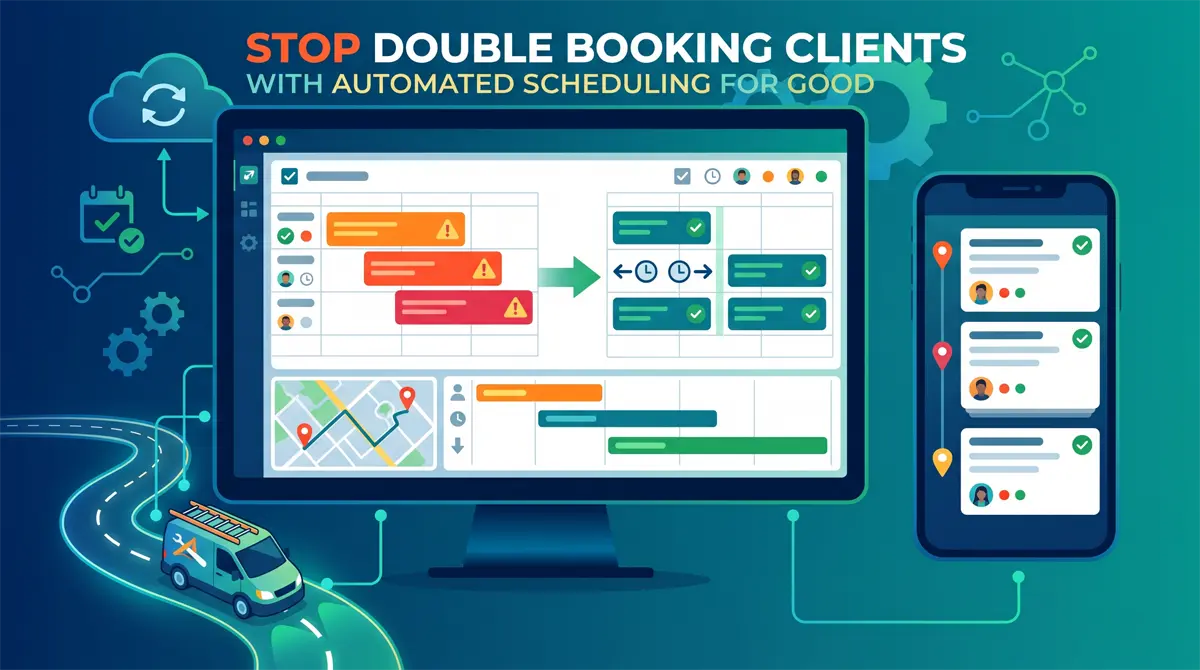
This is exactly why thousands of contractors use Jobber to run their daily operations. Jobber acts as your digital command center, offering drag-and-drop calendar scheduling that automatically alerts you if you try to assign two jobs to the same time slot.
It also calculates driving routes, sends automated text reminders to your customers, and gives your technicians an easy mobile app to track their time. It completely removes the guesswork from your daily schedule.
Stop losing sleep over messy whiteboards and lost sticky notes. If you are ready to stop double booking clients, you need to upgrade to an automated field service management software.
Want to see exactly how this scheduling system looks in action? Check out my full walkthrough and review of Jobber's dispatch board below:
➜ Click here to try Jobber for free and automate your entire scheduling process today.